When you log in to your Megalab account, you can view and access all orders immediately in the order history on the home page. You can access an order by clicking on it.
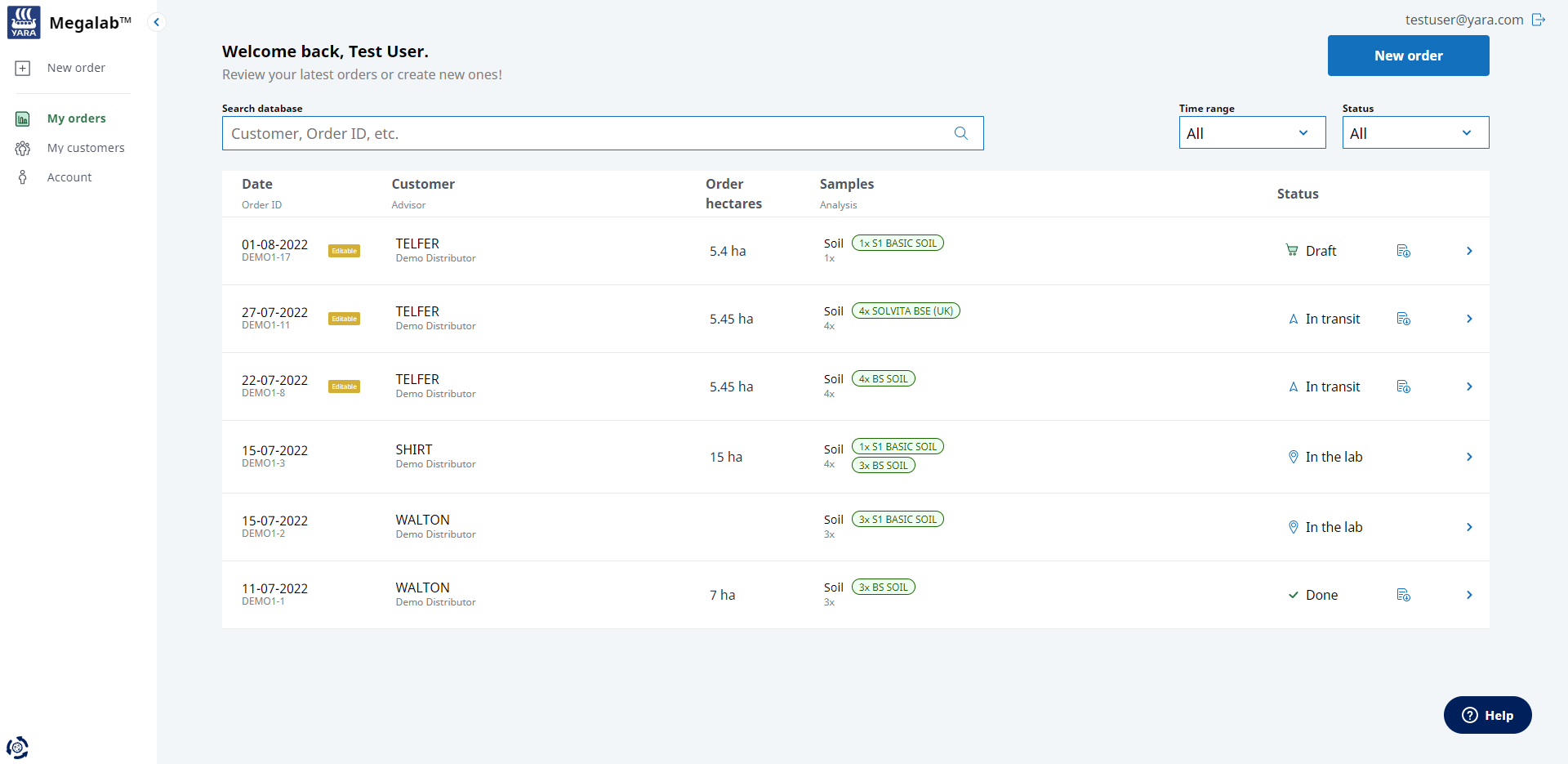
In the orders list you can see order details such as
- order date
- order ID
- editability label (only order drafts and orders in transit are editable)
- customer for whom the order was placed
- order hectares
- sample type and number of samples
- ordered analysis type
- order status: draft – in transit – in the lab – done
|
|
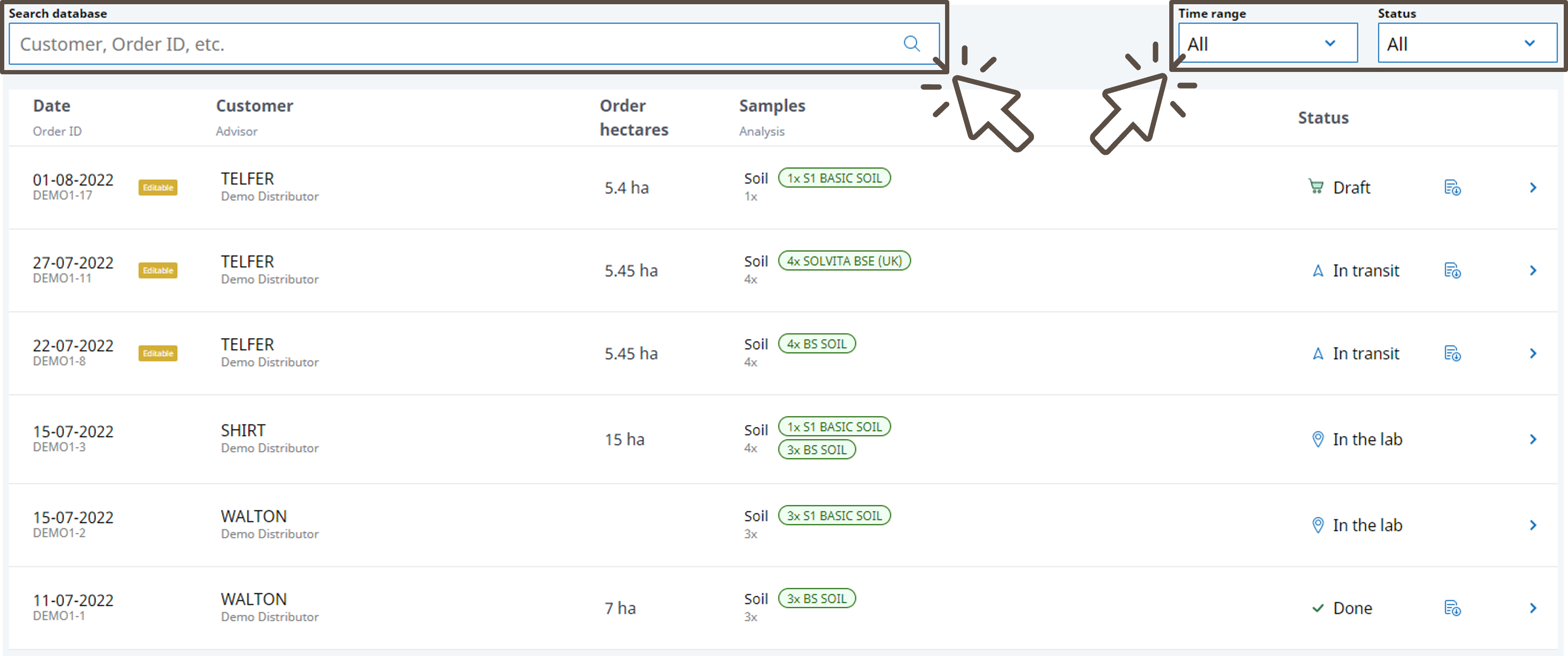
Use the search bar to filter the list, for example, by a specific customer or order ID.
Use the time range selector to display orders for a specific date.
Use the status selector to show only orders with a specific order status.
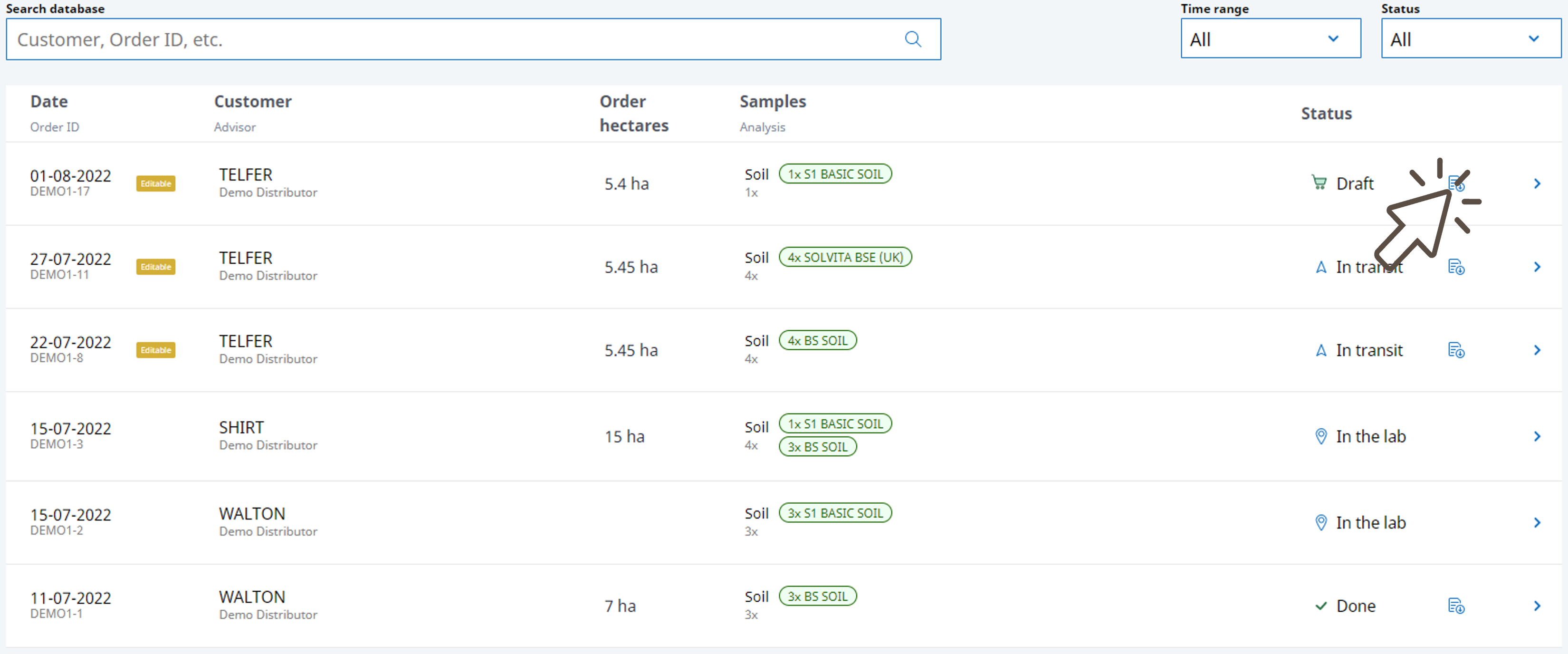
Click on the download symbol in the order row to download and print a copy of the order summary.
Comments
0 comments
Please sign in to leave a comment.