Add a new customer to your Megalab account by following these steps:
- Log in to your Megalab account.
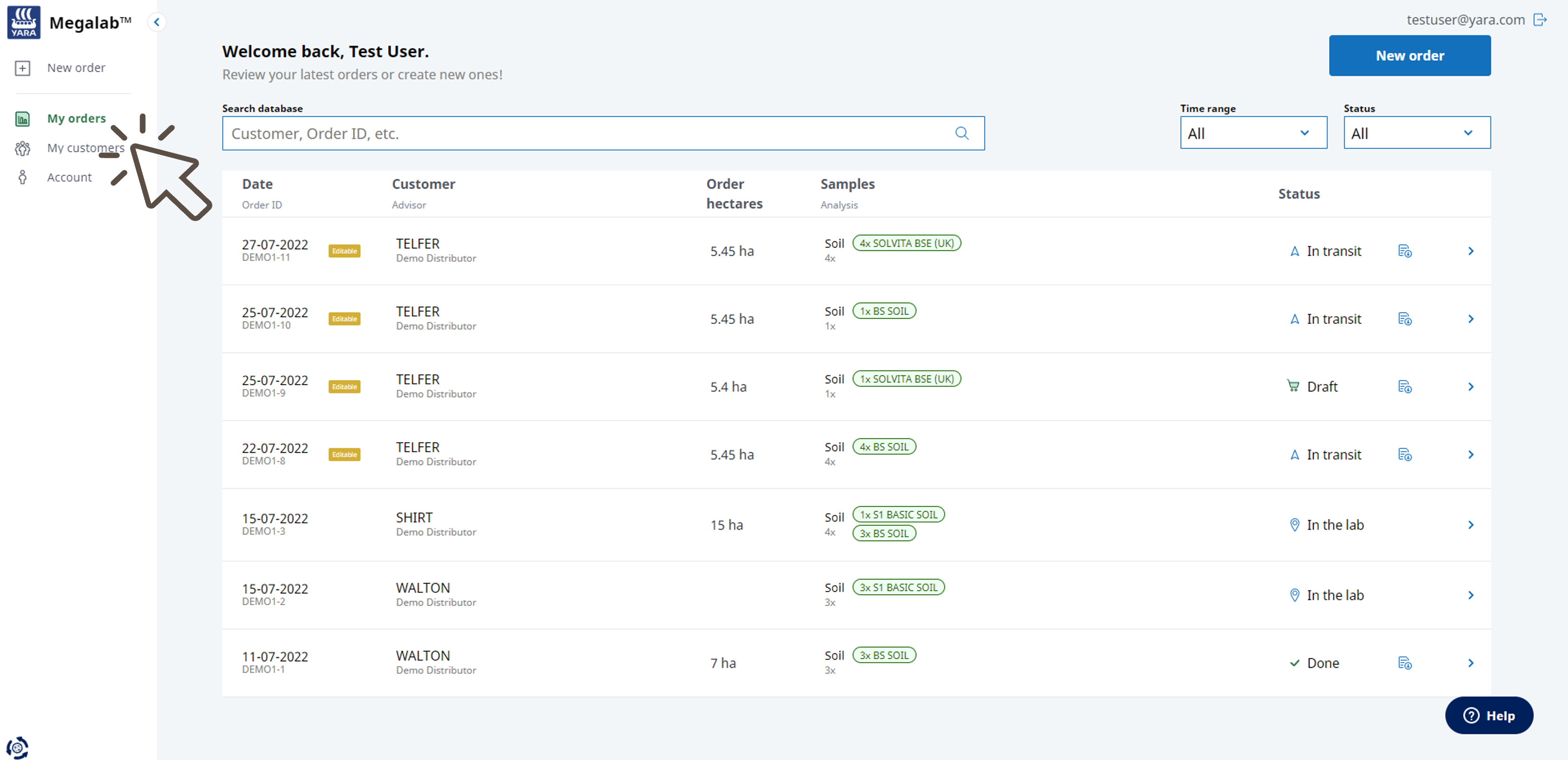
- Megalab opens. Click on MY CUSTOMERS in the left navigation bar.
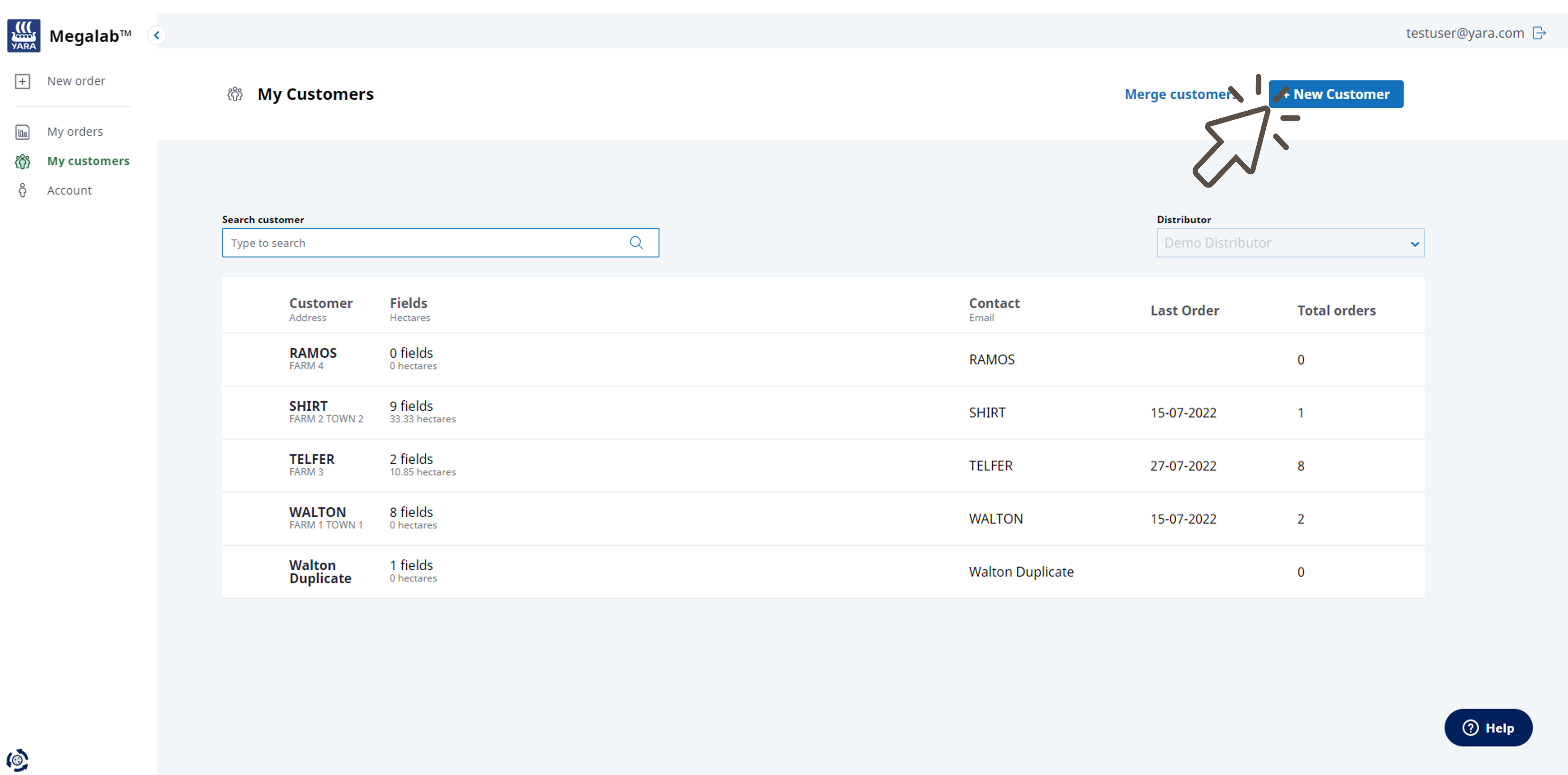
- The customers page opens. Click on the +NEW CUSTOMER button.
- An input mask opens. Enter the requested information.
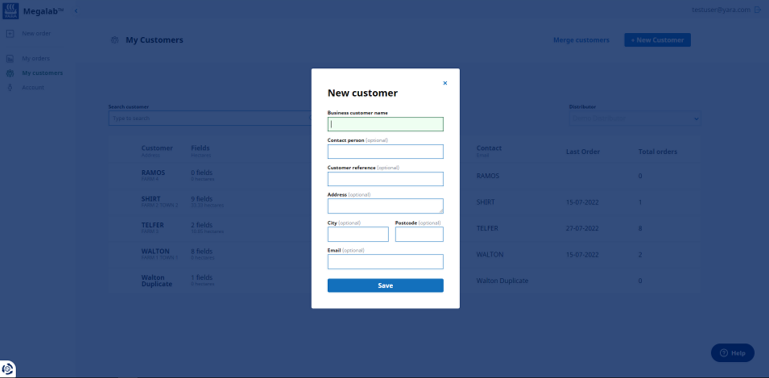
- Click on SAVE when done. The customer will be created and appears in the customers list.
You can now add fields for your customer by uploading field boundaries or drawing the field.
Want to adjust the customer data?
Read here how to proceed.
Comments
0 comments
Please sign in to leave a comment.